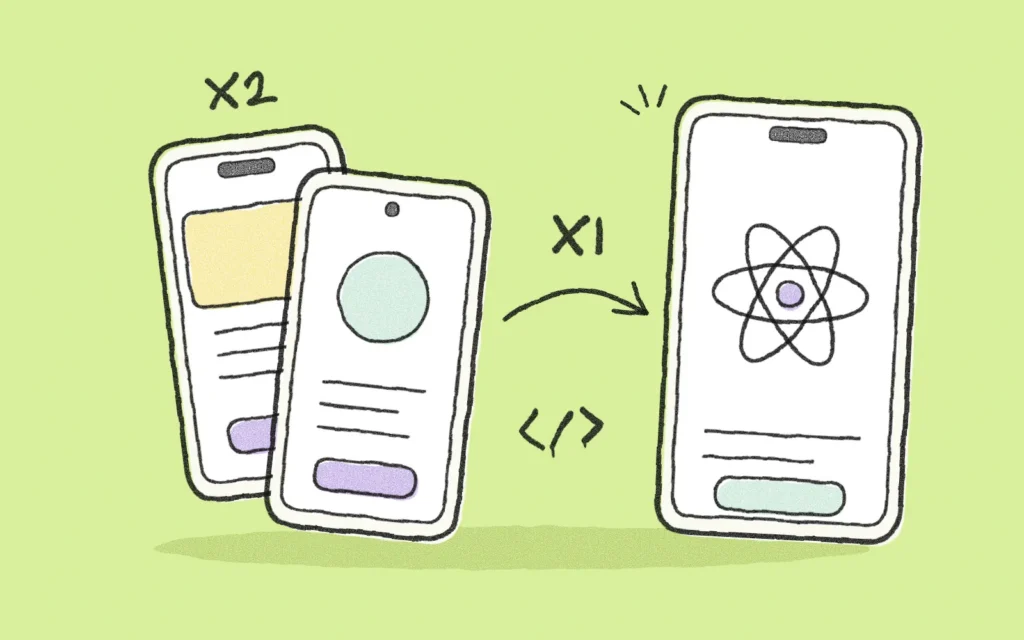
For most business apps, React Native offers the best balance of cost, time and quality: a single codebase works on iOS and Android with an experience very close to native. Native development makes sense when the app depends on the phone’s hardware or needs maximum graphics performance. Here is how to decide.
What is a native app
A native app is programmed separately for each operating system: in Swift for iOS and in Kotlin for Android. It has direct access to every device feature and the best possible performance. The flip side is that you have two developments, two teams or twice the hours, and two codebases to maintain.
What is React Native
React Native is a framework created by Meta that lets you write the app once and publish it on iOS and Android. Unlike the old “hybrid” apps that showed a website inside the app, React Native generates real native components, which is why the experience feels like an app built for each platform. Global-scale apps use it, and it is one of the most widely adopted mobile technologies.
Quick comparison
| Criteria | React Native | Native (Swift / Kotlin) |
|---|---|---|
| Code | One for iOS and Android | One per platform |
| Cost and time | Lower | Higher |
| Performance | Very good for most cases | Maximum |
| Hardware access | Broad, with native modules when needed | Full |
| Maintenance | A single team and one codebase | Two codebases |
| Best for | Service apps, e-commerce, loyalty, self-service, MVPs | Games, augmented reality, intensive Bluetooth, on-device processing |
When to choose React Native
- You need to be on iOS and Android from launch.
- You want to validate an MVP quickly on a controlled budget.
- The app is about services, commerce, content, bookings or self-service.
- You prefer a single team to evolve the product.
When to choose native development
- The app makes intensive use of Bluetooth, sensors, the camera or real-time processing.
- It needs very demanding animations or graphics.
- It must integrate deeply with new operating system features as soon as they are released.
There is also a middle path: a React Native app with native modules for the parts that require them. It is what we usually do in IoT projects, where communication with the device is handled natively and the rest of the app is shared.
What about Flutter?
Flutter, from Google, is another solid cross-platform option. React Native tends to have the edge when the team or the project already uses JavaScript or React on the web, because knowledge and sometimes business logic are shared. Both are valid; what matters is choosing with judgment, not by fashion.
Technology matters, but design decides
An app can be perfectly programmed and still fail to retain users. Before discussing technology, it pays to validate flows and screens with real users. That is why at QKStudio we start every project with user experience and choose the technology during the discovery phase, based on what the app really needs. If you are still evaluating scope, also read how much it costs to develop an app.
Not sure which technology suits your app? Tell us your idea and we will recommend an approach on the first call.
Frequently asked questions
Is a React Native app slower?
For most business apps, the difference is not noticeable to the user. Only in very graphics- or hardware-intensive use cases does it make sense to go native.
Can you migrate from React Native to native later?
Yes, and you can also combine them: keep the app in React Native and rewrite only the modules that need it in native code.
Do Apple and Google accept apps built with React Native?
Yes. They are published like any native app and comply with the same store policies.